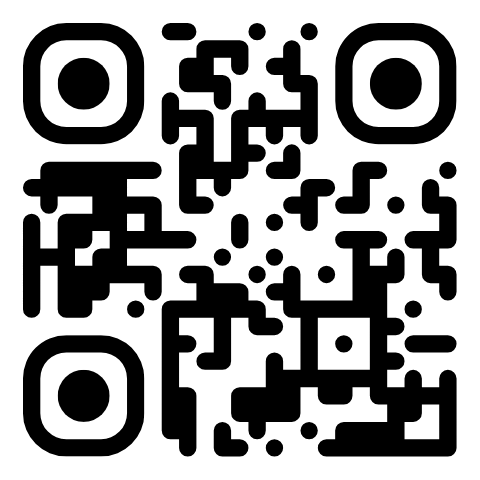
Create a QR code
Creates a static Website URL or Text QR code with your design and returns its image. The code also appears in API QR codes in your dashboard.
Authorizations
Your API key in the Authorization header: Bearer YOUR_API_KEY. Keep it secret: call the API from your server or scripts, never from code that runs in a visitor’s browser.
Request method
Request URL
https://qr.app/api/v1/qrBody parameters (JSON)
| Name | Type | Required | Description |
|---|---|---|---|
type | string | Required | "url" (Website URL) or "text" (Text). Codes are static: their content is in the code, so they work forever. |
url | string | For "url" | The website address, like https://example.com. https:// is added when missing. Up to 2000 characters. |
text | string | For "text" | Any text, up to 1500 characters. |
name | string | Optional | The name shown in your dashboard. Defaults to the website’s domain or the start of the text. |
format | string | Optional | "svg" (default) or "png": the format of the image in the response. |
size | integer | Optional | PNG width in pixels, from 128 to 4096. Default 1024. |
design | object | Optional | Colors, shapes and frame, see Design options. Anything you leave out uses the default. |
logo | string | Optional | An image for the center: a data URL (data:image/png;base64,…) or an http(s) image URL. PNG, JPEG, GIF, WebP or SVG, up to 2 MB. |
Design options
Inside design: the same options as the QR.app generator. With a logo, the code switches to high error correction so it still scans.
| Name | Type | Default | Values |
|---|---|---|---|
fg | string | "#000000" | Color of the dots, as a hex color. |
bg | string | "#FFFFFF" | Background color. |
eye | string | "" | Color of the three corner squares. Empty uses the dots color. |
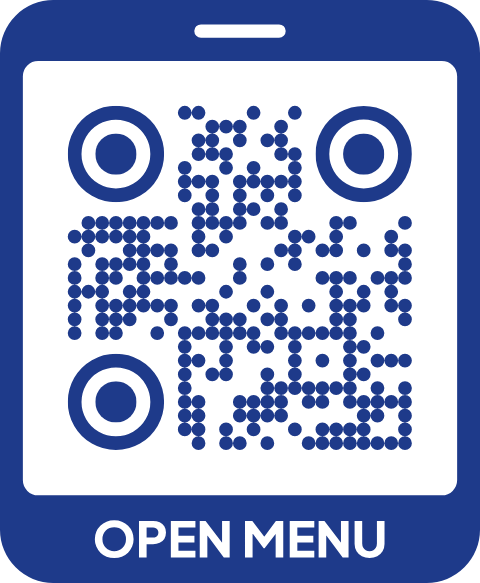
dotType | string | "rounded" | square, rounded, dots, classy, classy-rounded, extra-rounded, small-square, diamond, star, sparkle, heart, plus, cross, flower |
cornerSquareType | string | "extra-rounded" | square, extra-rounded, rounded, dot, classy, classy-rounded, dots |
cornerDotType | string | "dot" | square, rounded, extra-rounded, dot, classy, classy-rounded, diamond, star, sparkle, heart, plus, flower |
margin | integer | 12 | Quiet zone around the code, 0 to 40. |
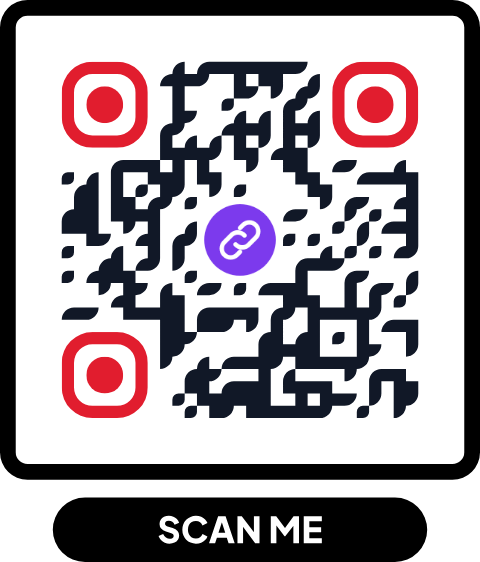
frame | string | "none" | none, pill, bottom, top, tab, circle, phone, corners |
frameText | string | "SCAN ME" | The frame’s call to action, up to 30 characters. |
frameFont | string | "jakarta" | jakarta (bold), inter (sans-serif), playfair (serif), caveat (handwritten) |
frameColor | string | "#000000" | Color of the frame. |
Example request
curl https://qr.app/api/v1/qr \
  -H "Authorization: Bearer YOUR_API_KEY" \
  -H "Content-Type: application/json" \
  -d '{
    "type": "url",
    "url": "https://example.com",
    "name": "Spring campaign",
    "format": "png",
    "size": 1024,
    "design": {
      "fg": "#111827",
      "eye": "#E11D2E",
      "dotType": "rounded",
      "frame": "pill",
      "frameText": "SCAN ME"
    },
    "logo": "https://example.com/logo.png"
  }'
Response
image is the finished code as a data URL, ready for an <img src> or to save as a file.
HTTP/1.1 201 Created
{
  "id": 1234,
  "name": "Spring campaign",
  "type": "url",
  "data": "https://example.com",
  "design": { "fg": "#111827", "bg": "#FFFFFF", "eye": "#E11D2E", "dotType": "rounded", … },
  "hasLogo": true,
  "format": "png",
  "image": "data:image/png;base64,iVBORw0KGgo…",
  "imageUrl": "https://qr.app/api/v1/qr/1234.png",
  "createdAt": "2026-11-09T14:30:00-03:00",
  "updatedAt": "2026-11-09T14:30:00-03:00"
}
Errors
Errors come back as JSON with a message you can show, like {"error": "\"url\" must be a website address…"}.
| Status | Meaning |
|---|---|
400 | The body isn’t a JSON object. |
401 | The API key is missing or wrong. |
402 | Your free trial has ended. Upgrade to keep using the API. |
413 | The request is larger than 4 MB. |
422 | A field is missing or invalid. The message says which one and why. |
429 | More than 60 requests in a minute or 500 in a day. Wait for the seconds in the Retry-After header. |
503 | We couldn’t create or load the code right now. Try again. |
Up to 60 requests a minute and 500 a day per account (the day resets at midnight Argentina time, UTC−3). The API needs an active free trial or plan.